Mobile app for medical students for educational purposes
ECOS Alpha is a mobile application designed to help medical students train for OSCEs (Objective Structured Clinical Examinations), a new evaluation format introduced in the French medical curriculum.
The project involved designing the full product experience, from user research to interface design, in close collaboration with medical students and a development team.
Client

ECOS Alpha
My role
UX/UI Design
Categories
Mobile
BtoC
Project duration
8 month
Year
01
Understanding the context
Objective Structured Clinical Examinations (OSCEs) were recently introduced in the French medical curriculum as part of the reform of the second cycle of medical studies.
These exams assess students’ clinical skills through simulated patient scenarios. Students must demonstrate their ability to interview a patient, establish a diagnosis and propose an appropriate treatment within a limited time.
The introduction of this new exam format created significant uncertainty among students. Training resources were still limited and preparation methods varied greatly depending on the medical school.
The goal of the project was therefore to design a mobile application allowing students to train in conditions close to the real exam while providing tools to structure their preparation and track their progress.
The project was carried out in close collaboration with a medical preparatory program and several medical students who were involved throughout the design process.
02
Understanding the users
In order to design an application that truly meets the needs of students, several working workshops were organized with medical students.
The objective of these sessions was to better understand their preparation methods for the ECOS, the difficulties encountered during training, and the tools they were already using.
The workshops were organized on a weekly basis and allowed students to be involved throughout the design process. They notably participated in needs analysis, wireframe and mockup testing, as well as in the testing phases once the application was developed.
These exchanges helped identify several key elements for product design, notably the need to accurately replicate exam conditions, to structure training in clear steps, and to allow students to track their progress over time.
03
Designing the training experience
Based on the insights gathered during user workshops, one of the main objectives was to design a training experience capable of replicating the structure of a real OSCE station.
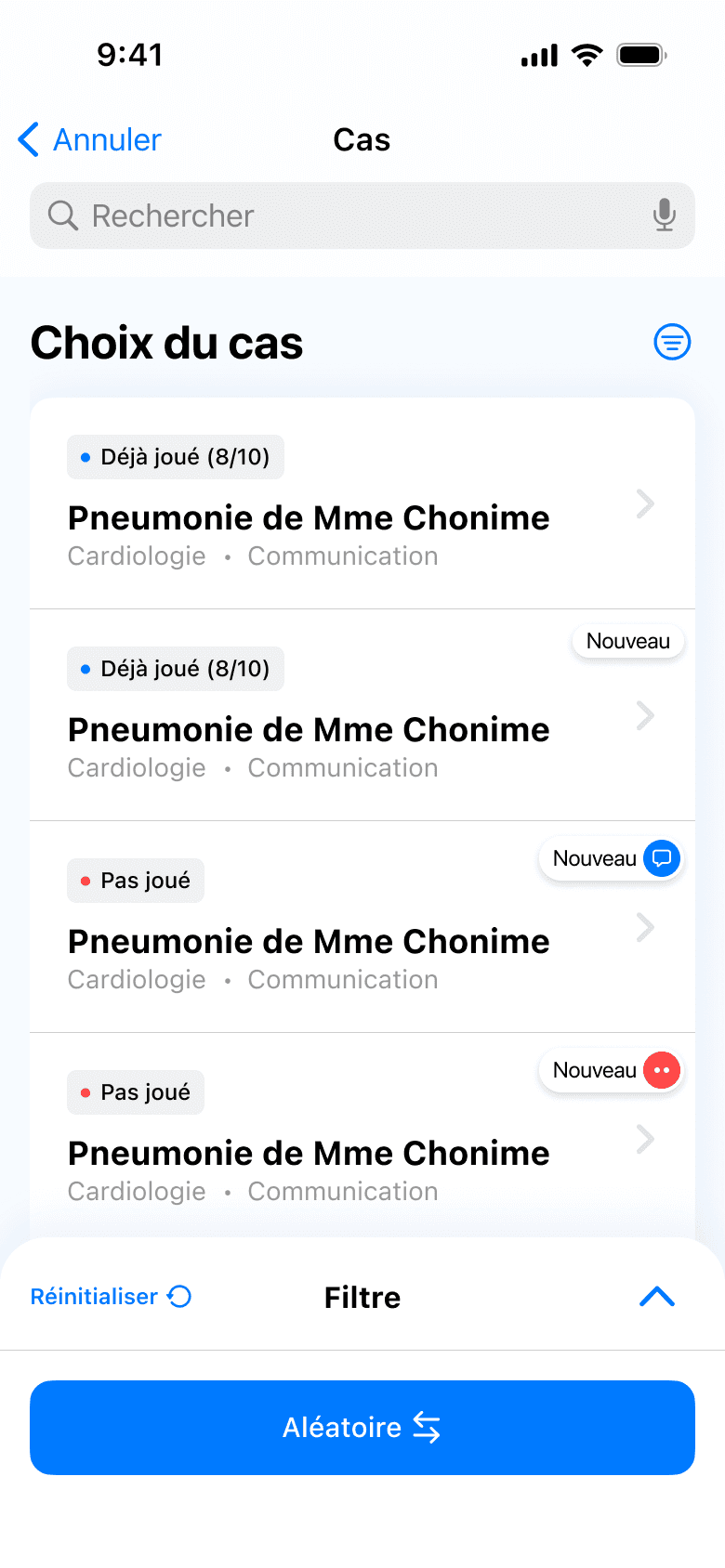
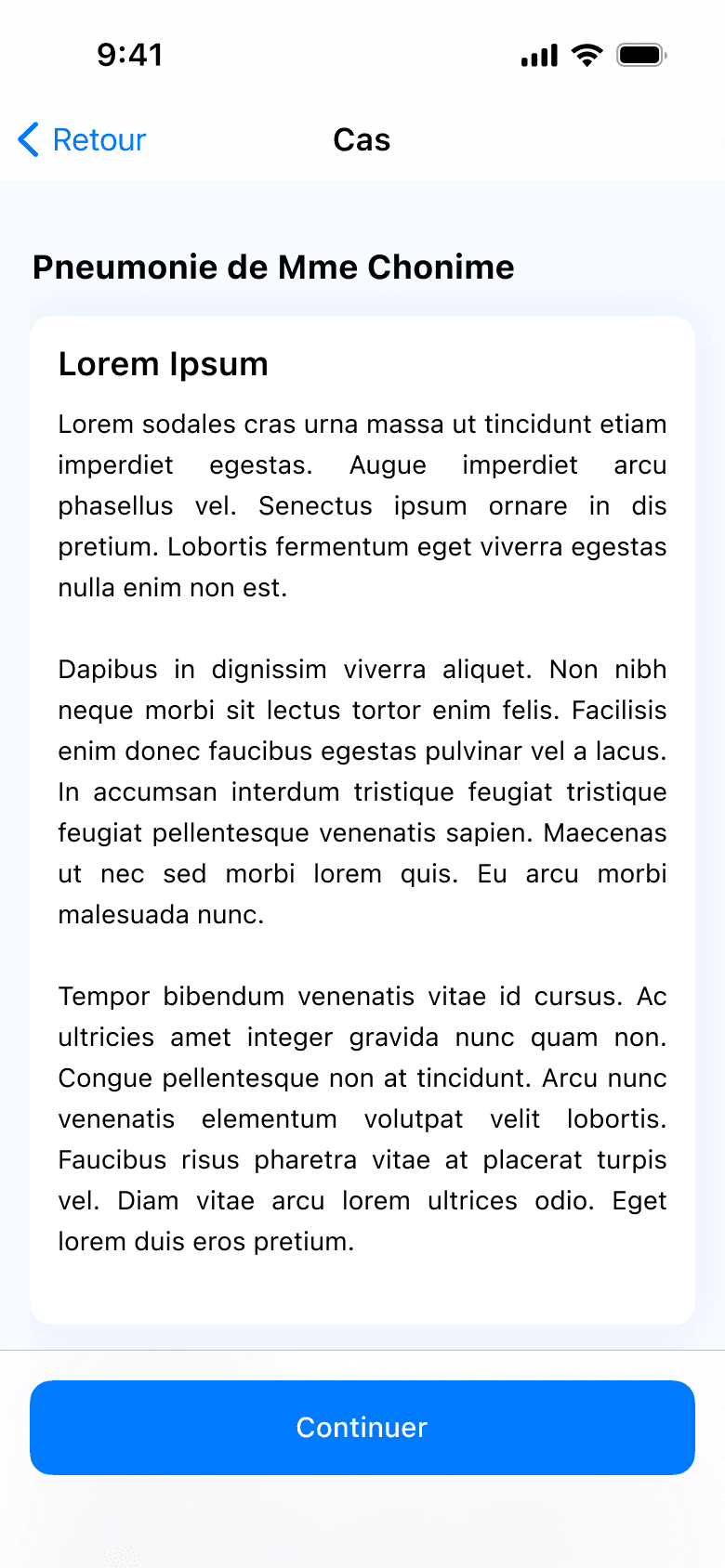
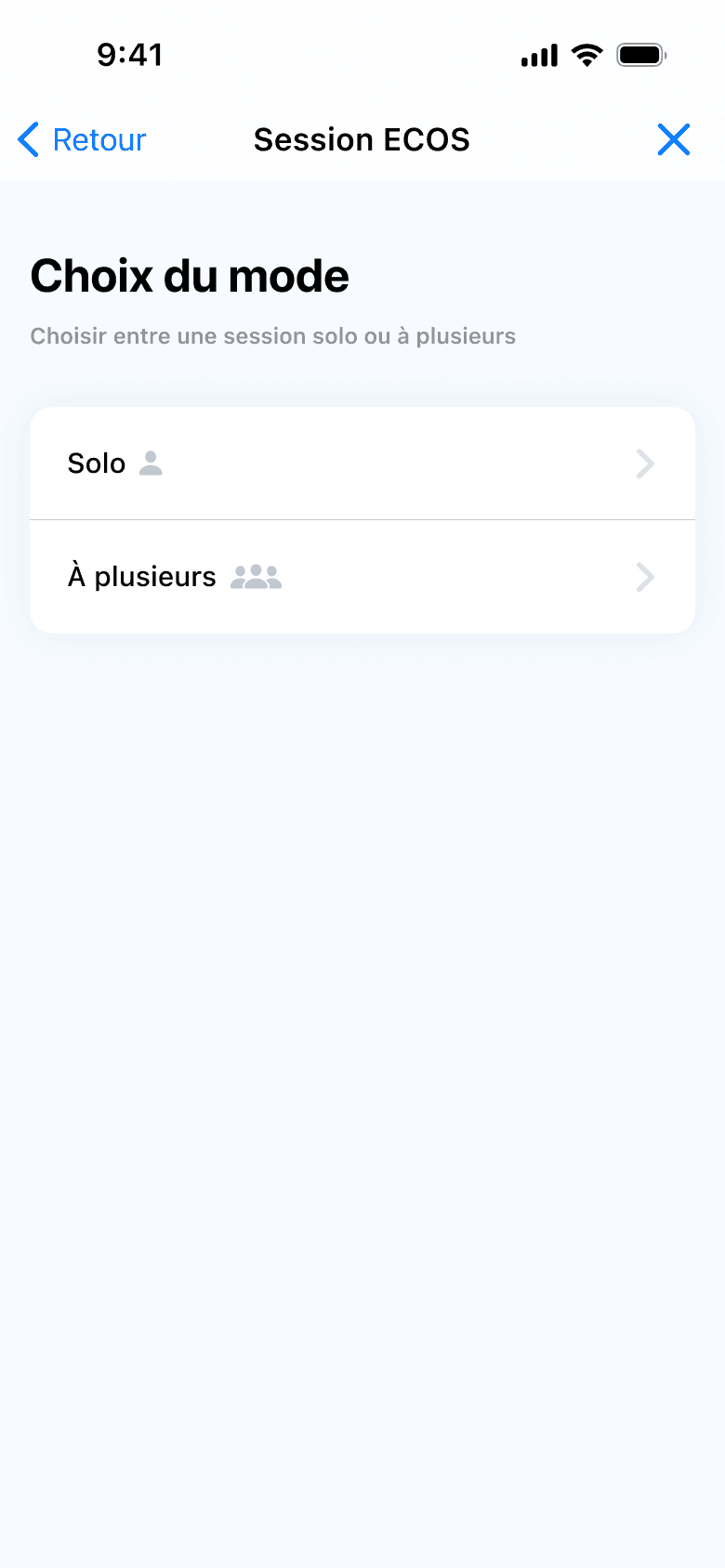
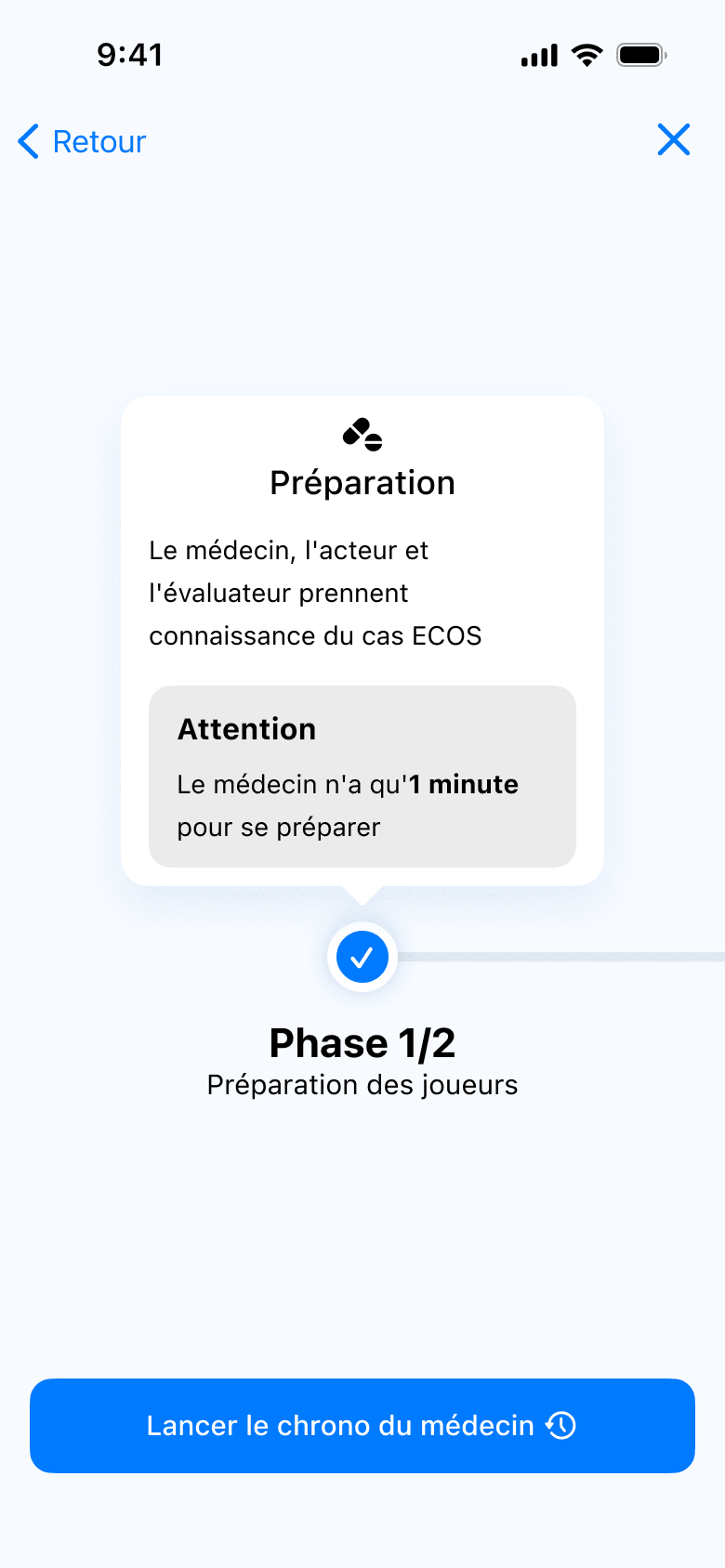
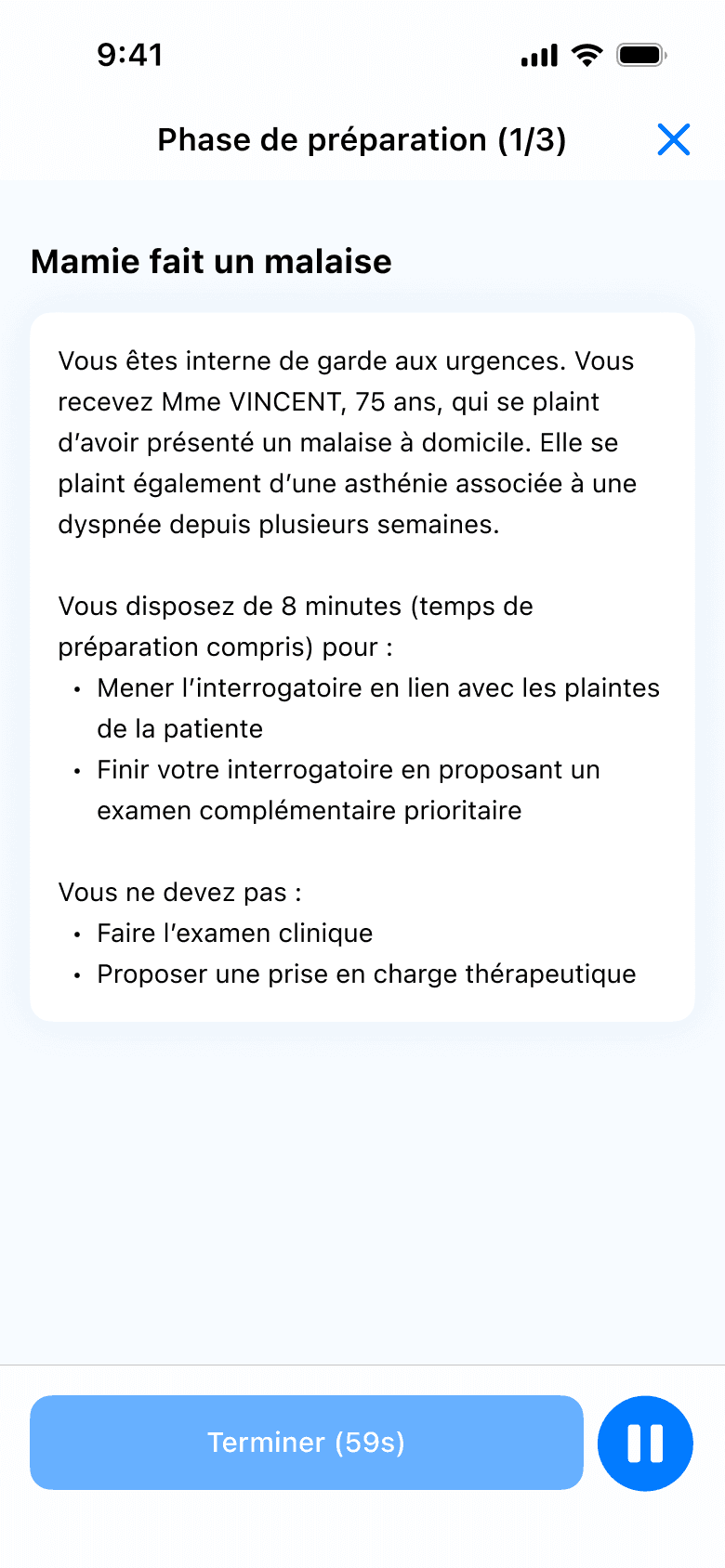
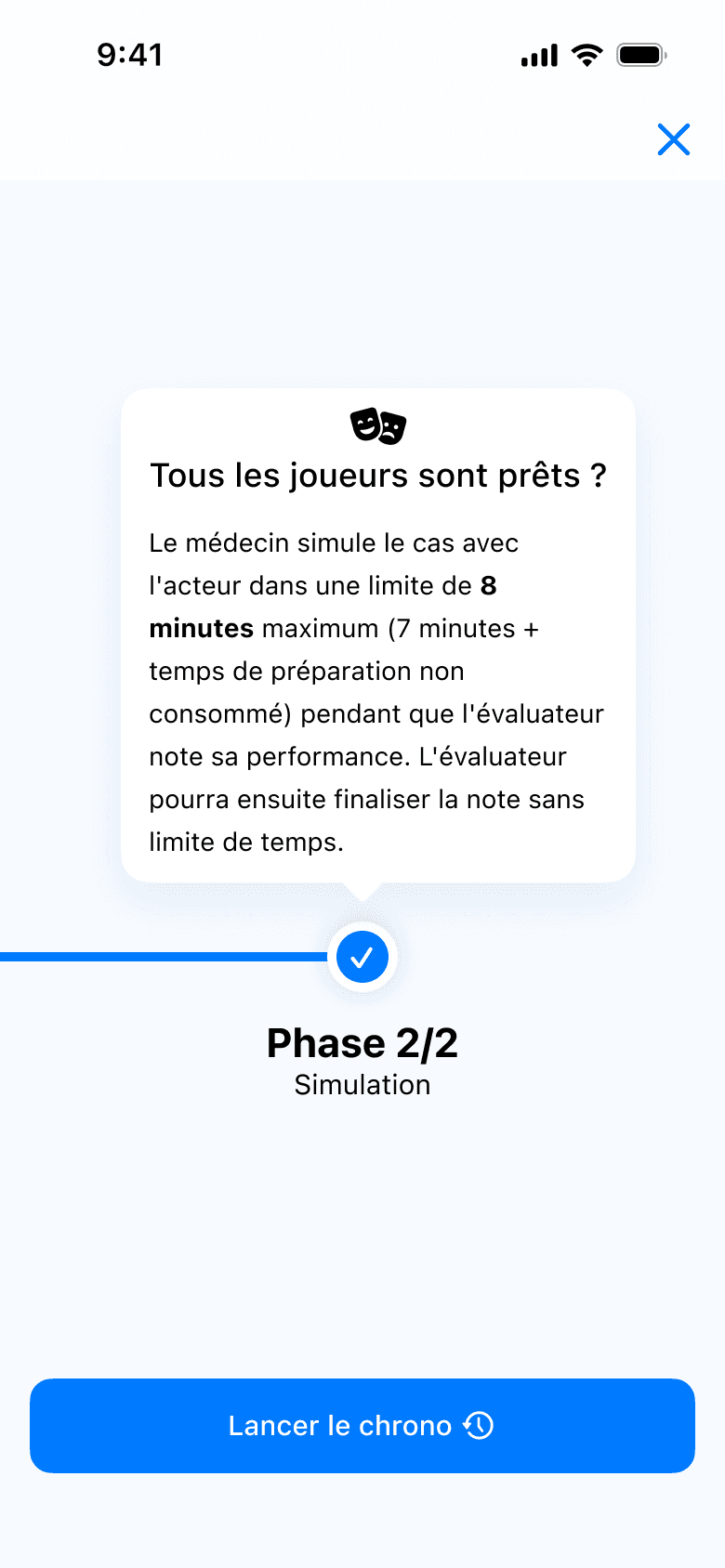
The application was therefore designed as a structured simulation allowing students to go through the different stages of a clinical case, from discovering the scenario to reviewing their responses.
Choosing a clinical case
Reading the script
Performing the OSCE simulation
Analyzing the correction
The challenge was to create a clear and progressive experience so that students could focus on their clinical reasoning rather than the interface itself.
The training flow was designed to be quick to start, easily repeatable, and adapted to short revision sessions often done between classes or at the end of the day.
This approach allowed the pedagogical constraints of the exam to be translated into a simple and intuitive user journey.
04
Structuring the product
Once the training flow was defined, the next step was to structure the overall product in order to organize the application’s different features.
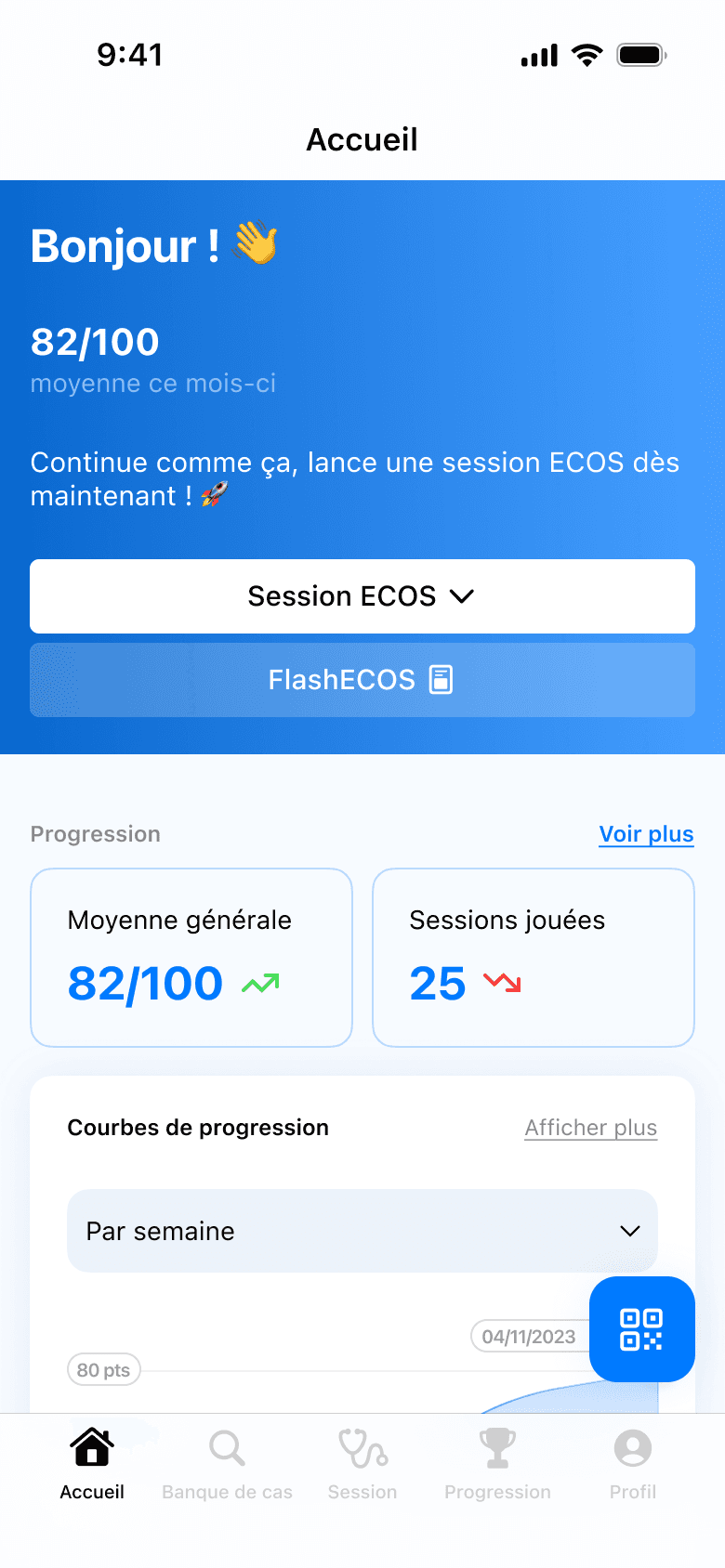
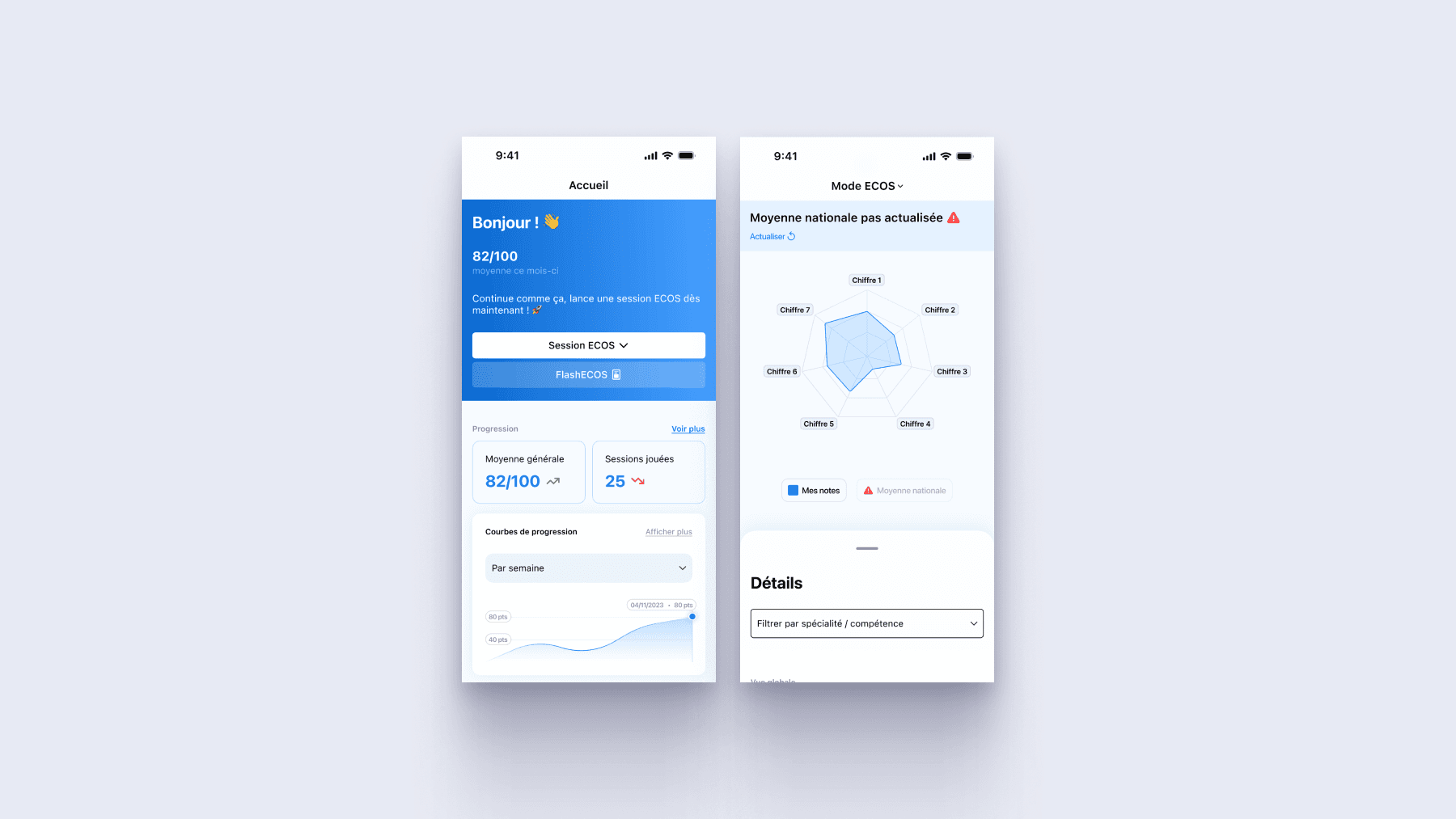
The goal was to allow students to quickly access the key elements of their preparation: ECOS simulations, clinical protocols, progress tracking and performance statistics.
The product architecture was designed to remain simple and mobile-friendly, with a main navigation allowing users to easily switch between the different sections of the application.
This structure enables students to quickly start a training session, review clinical protocols or analyze their performance while maintaining a smooth experience adapted to smartphone use.
05
Designing the interface
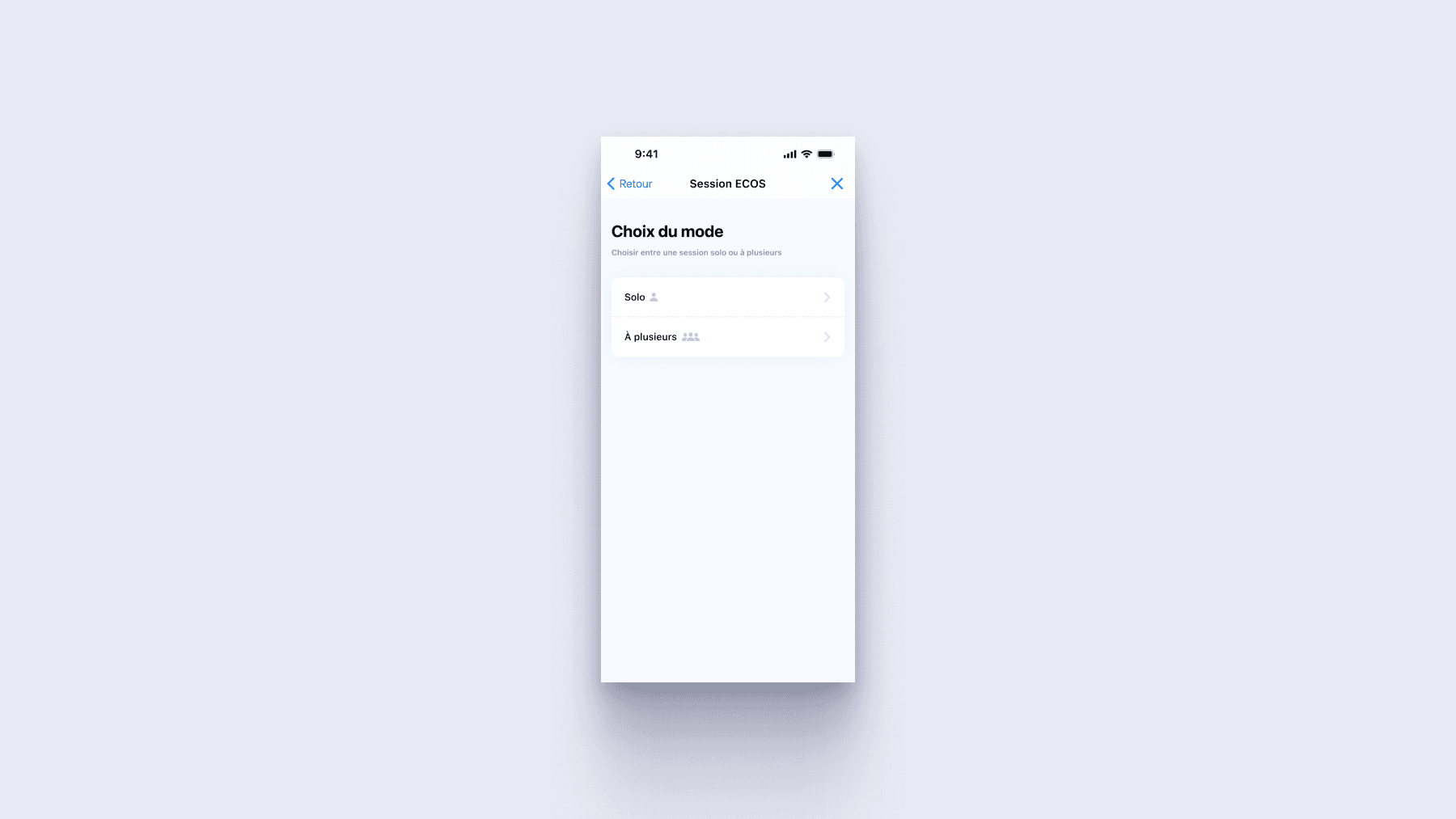
Once the product architecture was defined, I designed the different screens of the application to turn user journeys into a clear and effective mobile experience.
The interface design was carried out in close collaboration with the development team, which used the Quasar framework. Therefore, the components of the application were conceived with the technical constraints of the framework in mind while maintaining overall visual coherence.
The goal was to provide a simple and readable interface that allows students to focus on their training rather than on navigating the application.
Several testing phases were conducted with medical students to adjust the screens and interactions before the application's production release.